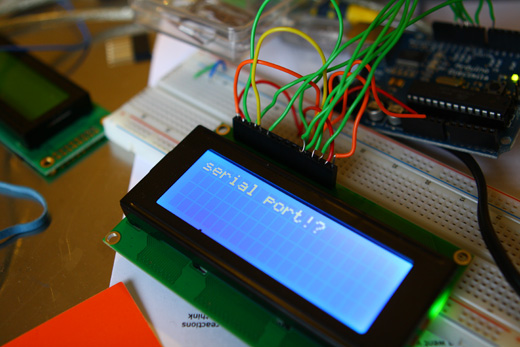
I haven’t posted on this project for a little while, partially because of the preparation for the ongoing Save the City project, and partially because the little time that I’ve had to work on this has only resulted in small increments. So, I figured I would wait until I had some more significant updates to make to post, and here they are.
Basically, I’ve been working on a couple parts of the project. I’ve been updating a Max/MSP/Jitter project that BCL had previously used for our projection performances to try to automate some of the scaling of text depending on what the input is, while also continuing with the Arduino and LCD integration.
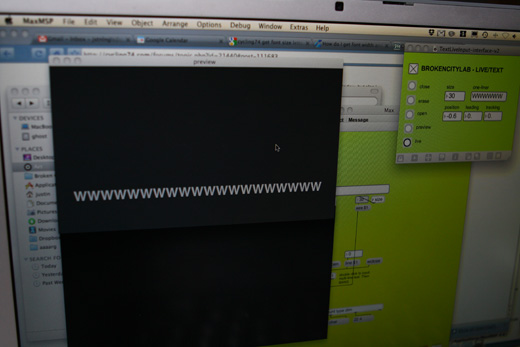
So first, some of the shots of the Max patch.
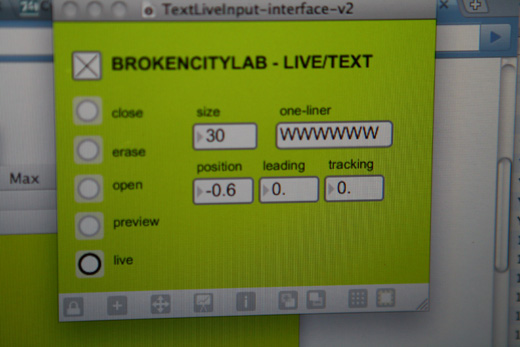
It’s a bit crude, but basically, the patch will ask for the number of letters per line and then scale the text size appropriately.
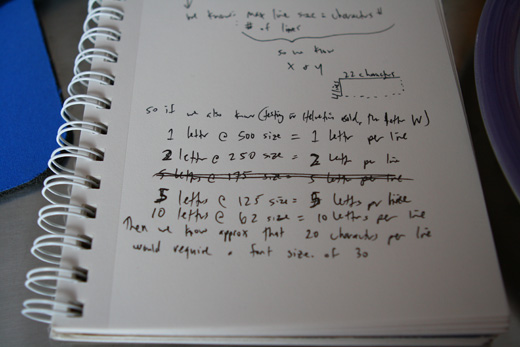
However, I couldn’t figure this out on my own. I made some notes on the relationship I was seeing, but I wasn’t sure how to translate that mathematically.
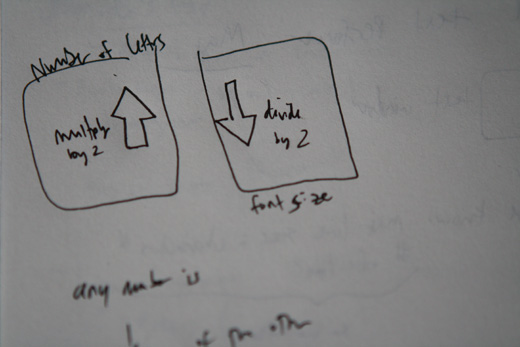
I figured the relationship was something like this.
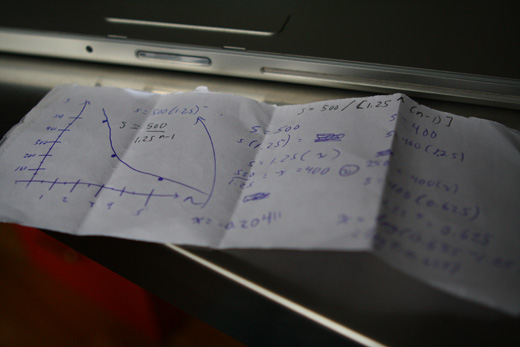
So, I called my brother with a degree in engineering, and asked him for some help. He came through!
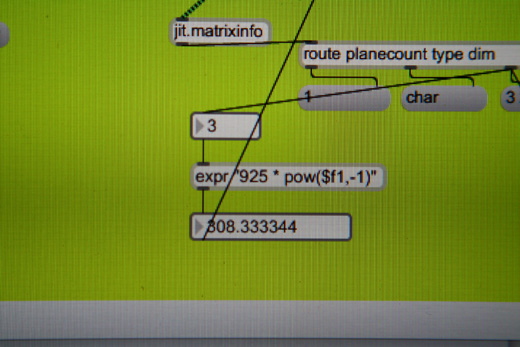
This is what he came up with initially: 625 * x^-1 … I adjusted it a bit to 925, as that number seemed to do better with more letters, which would more often be the case.
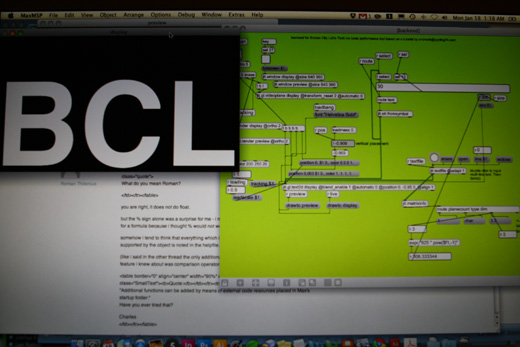
So, here’s the patch work, doing a good job at scaling 3 letters to the appropriate size to fill the majority of the window. The reason I’m continuing with playing with this Max patch is that it may provide an alternative to the Arduino+LCD combo if it doesn’t end up working the way I need it to.
So, after some frustration a little while ago, I picked up some new screens and everything is working as I had hoped. I’m still not sure why I was having troubles before with the contrast, and it’s frustrating that I couldn’t come to some resolution about it.
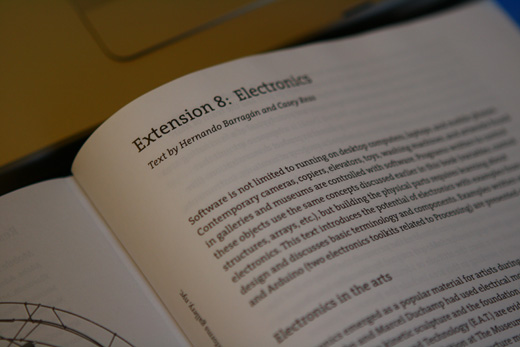
I had picked up a book on Processing and I’ve skimmed through it a couple of times in the past, but never when I actually had time to work in Processing on a project.
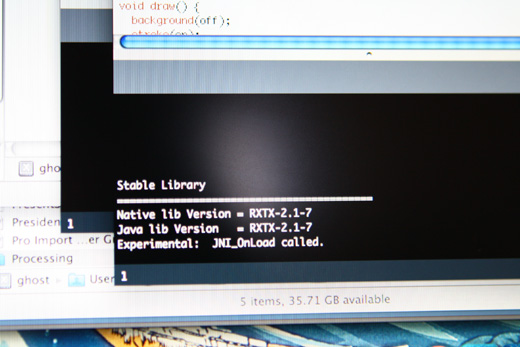
So, at first, I was just trying to figure out how to understand Arduino and Processing talking to one another. I ran some example patches and I didn’t get any warning flags when running the serial library in Processing, so I set out trying to test the actual communication.
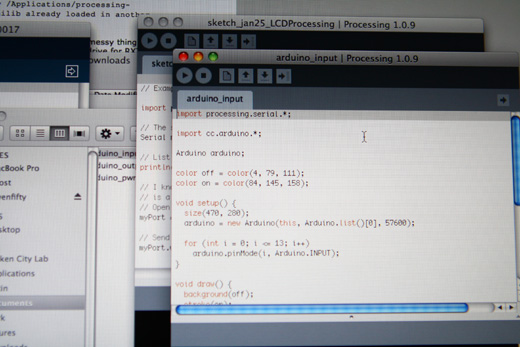
Here’s another example, I can’t quite remember what this resulted in specifically, and it may have been that I was just trying to run another basic test to ensure something was working as anticipated.
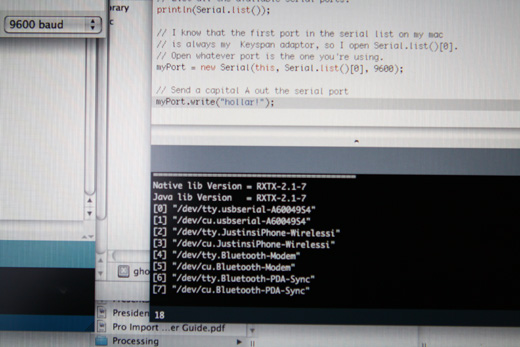
Next, Processing listed the available serial ports, using the first one in the array worked perfectly.
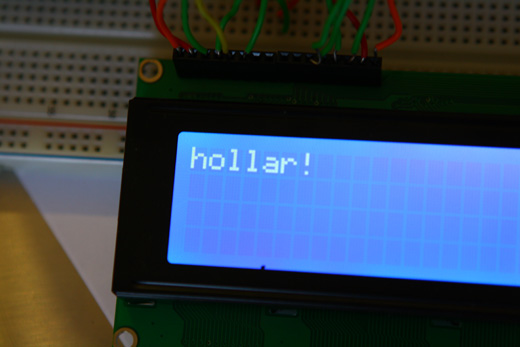
The result – hollar! – the first thing I sent to Arduino from Processing. It finally made sense to me: Arduino needed a sketch that will listen (or technically read) from the Serial port.
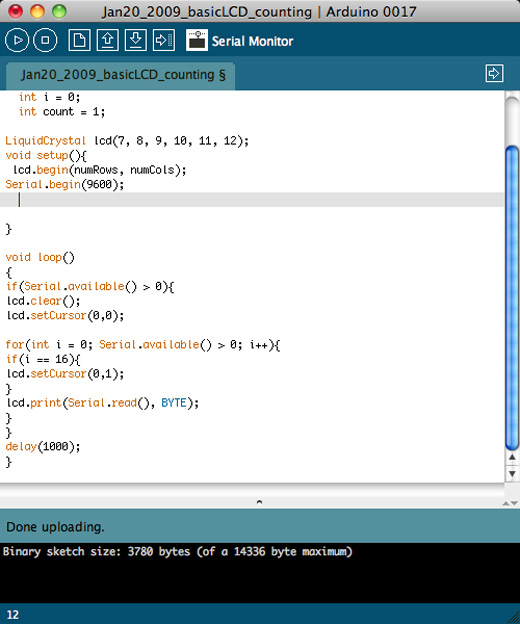
And here’s the Arduino patch that did that work!
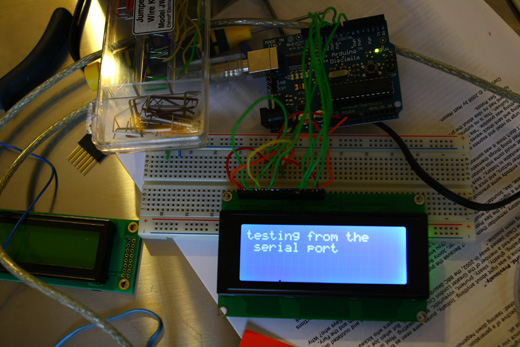
Shortly thereafter though, upon trying to backtrack, simplify and just have the process start without having the Arduino client open, something wasn’t working. I couldn’t figure it out, so I tried to think back to how I had set it up in the first place. Conceptually, I had difficulty understanding how this serial port thing worked. Something finally clicked. Processing needs to send messages through the Serial port. Somehow I wasn’t cluing in to envision it as an actual port that data would pass through. I’m not sure why I didn’t pick up on understanding the relationship between Arduino and the serial port for stuff like this earlier. Looking at the examples that used Python may have confused me I think, since I don’t know that language. Looking at them now though, I understand better how it all works.
Arduino just needs to listen for something coming over the serial port and then ask the LCD to print that incoming message.
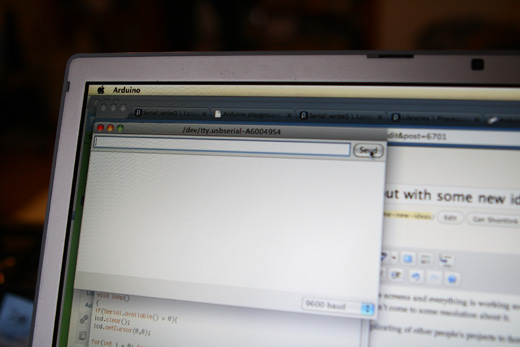
It also helped to finally test with the serial monitor from Arduino environment, which helped to illustrate immediately what was going on. I think I understood the basics of serial port communication (as in, a message can be sent over this), but I wasn’t cluing in that Arduino had to be setup to listen for those messages, which may have led to some of my confusion.
However, it seems as though I need to open up the serial monitor and send a message to Arduino before it will hear anything from Processing. I wonder why — I assume I’m not initializing it properly?
Upon further reading, my other thought is that the Serial port isn’t available to Processing, possibly it’s in use by something else, thereby preventing Processing from accessing it? The strange part, though, is that once I open the Serial Monitor in the Arduino environment / client, Processing can send messages without any problem. I’ll have to look into this some more.
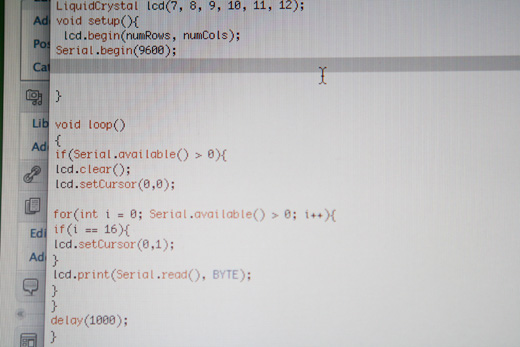
And, once again, the Arduino patch that makes this all work.
At any rate, things are moving along nicely. I’m doing some replicating of other people’s projects to familiarize myself with how to integrate an Arduino and LCD screen into something a bit more automated.
Next on the list, start having Processing cycling through text files. There’s a lot of examples of this using Python, but I’m going to look into Processing instead.
Annotated bibliography for the last couple of weeks:
http://www.ladyada.net/make/pumpkin/pumpkin.html (great idea for introducing a distributed urban surface sound project)
http://www.arduino.cc/cgi-bin/yabb2/YaBB.pl?action=print;num=1181079252 (solar-powered Arduino help)
http://www.adafruit.com/index.php?main_page=product_info&cPath=35&products_id=172 (range finder)
http://www.adafruit.com/index.php?main_page=product_info&cPath=37&products_id=198 (the LCD screens I got)
http://clete2.com/2009/11/control-lcd-text-over-web-interface-arduino/ (controlling LCD over web)
http://www.arduino.cc/playground/Interfacing/Processing (Interfacing Processing and Arduino)
http://www.arduino.cc/cgi-bin/yabb2/YaBB.pl?num=1255733236 (Process + Serial + LCD to display Tweets)
http://itp.nyu.edu/physcomp/Labs/SerialOut (some tutorials on physical computing)
http://drewish.com/content/2009/06/simple_arduino_serial_communications (simple serial communications)
http://www.akeric.com/blog/?p=1015 (arduino / processing / python)
I would like to thank the Canada Council for the Arts for their generous support.
